
Hazel
Hazel watches folders and automatically organizes files using rules you create. It can move, rename, tag, archive, and upload files based on attributes such as name, date, type, or the website they came from.
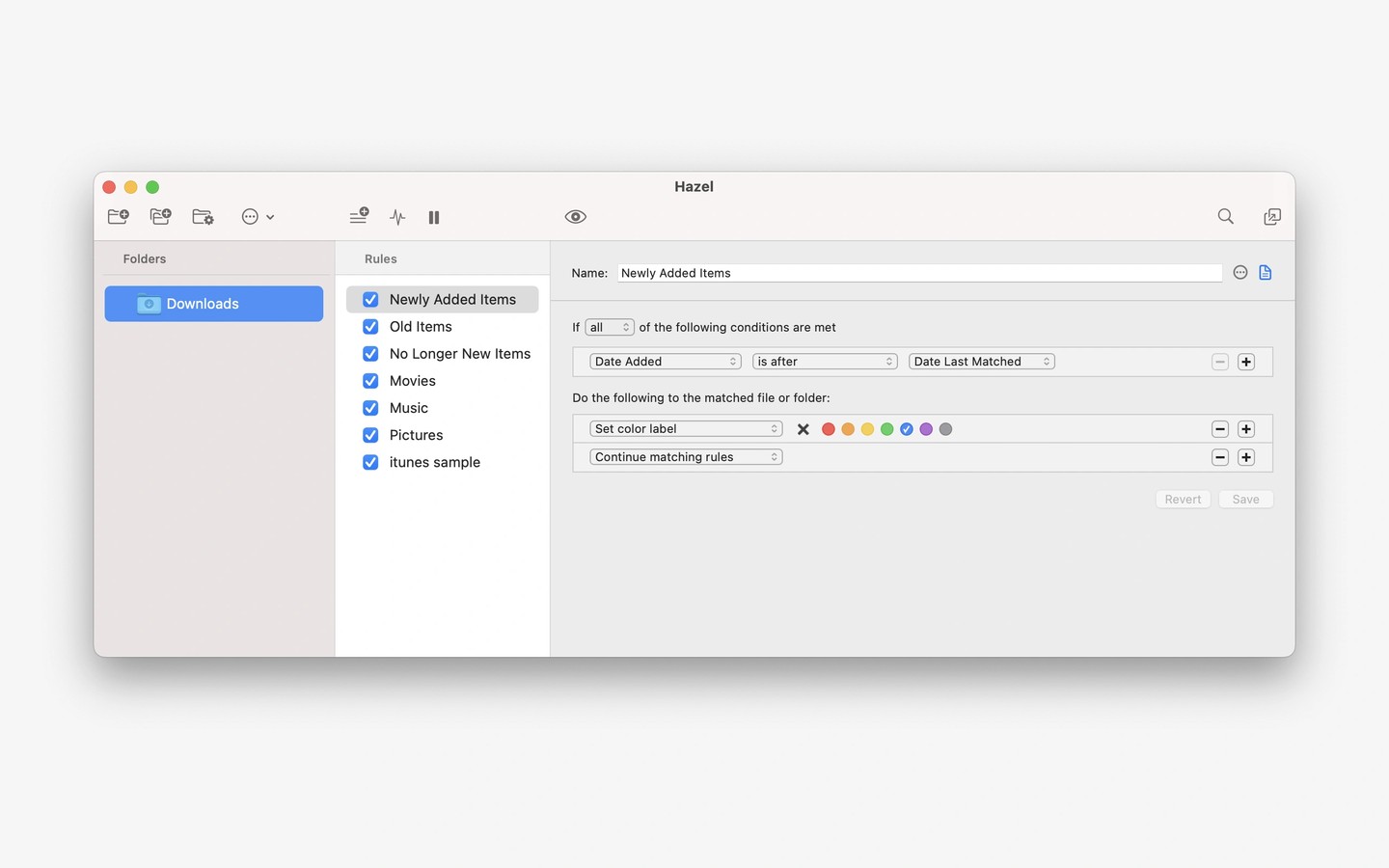
Hazel automates file organization on your Mac by watching folders you choose and applying rules you create. Rules can match files by name, date, type, the website they came from, and other attributes, helping you file bills, sort media, or keep your desktop clear.
Beyond moving files, Hazel can rename them, sort them into subfolders, add tags, open them, archive them, or upload them. Pattern matching lets you combine file attributes to build more specific workflows. Hazel also integrates with Spotlight and supports Shortcuts, AppleScript, and Automator, along with importing into Photos, Music, and TV.
Hazel can manage the Trash by deleting older files or clearing items when it gets too large. Its App Sweep feature detects when you throw away an application, searches for associated support files, and offers to move those files to the Trash as well.
Tags
More in Productivity

OmniFocus
Productivity
Chitroll
Productivity