
WeatherCat
WeatherCat collects and stores data from supported hardware weather stations on your Mac. It provides live gauges, historical graphs and reports, with tools to publish readings online and trigger email or script-based alerts.
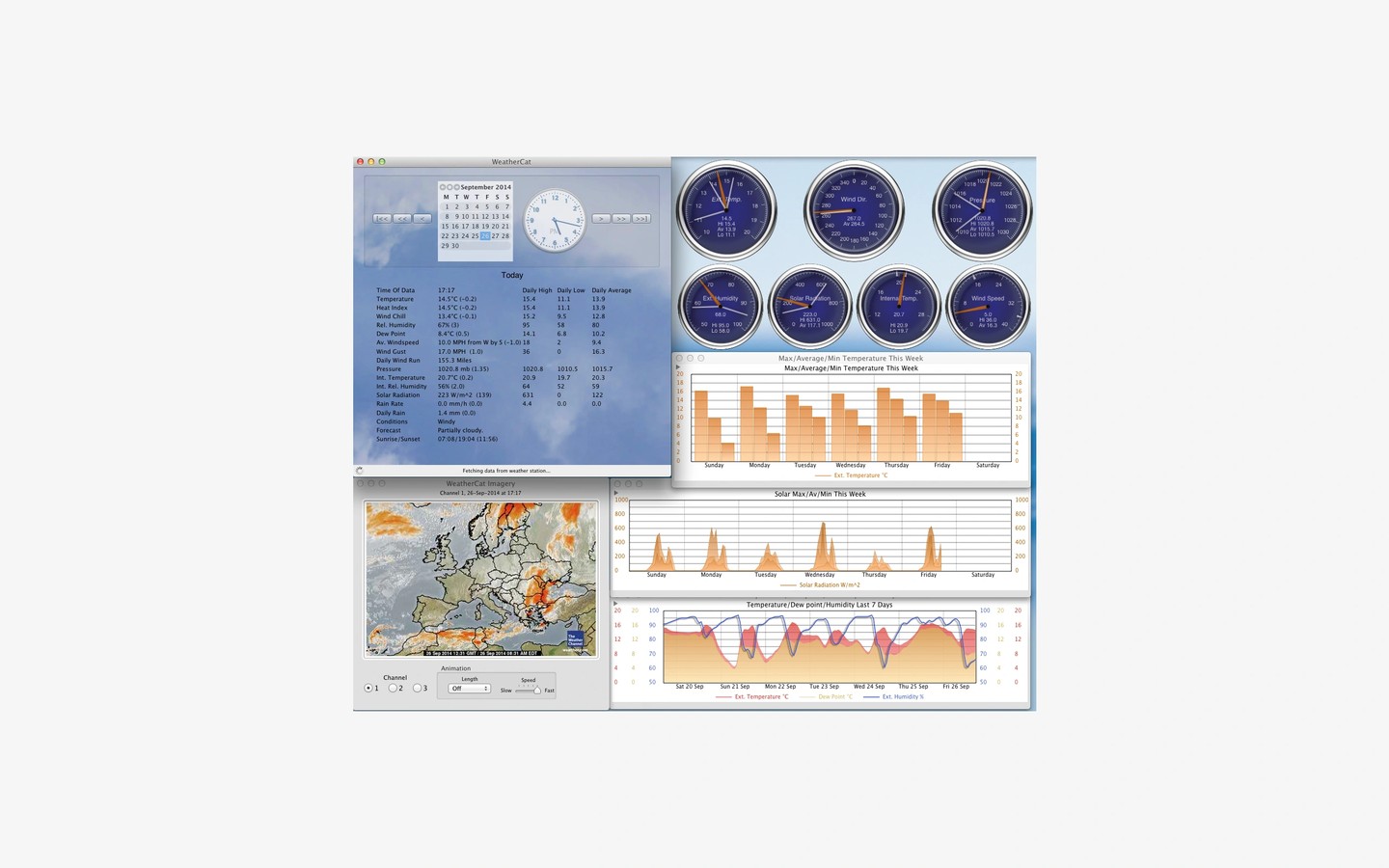
WeatherCat connects your Mac to a supported hardware weather station to record local conditions and review them over time. Compatible hardware includes the listed Davis station ranges, selected La Crosse, Oregon Scientific and Fine Offset models, and Instromet MetPlus stations. WeatherHawk stations require an IP server module, while Columbia Weather Systems stations require a weather micro server.
Live gauges and customizable graphs show current and past conditions. You can look up statistics, such as the lowest temperature or highest wind speed, across any period stored in the database. Reports cover recent, daily, monthly and annual weather, with daily and monthly reports saved as PDFs. Raw and hourly data can be exported as CSV files, and weather data is backed up daily.
For sharing readings, WeatherCat can generate simple web pages or use custom templates containing conditions, graphs, gauges and statistics, then upload them to your server. It can also send observations to services including Weather Underground, CWOP and the Met Office WOW program. Optional webcam integration adds images and daily or one-hour time-lapse movies.
Built-in and user-defined alerts can send emails or run scripts when weather conditions meet your rules. An AppleScript interface supports integration with other systems. WeatherCat is designed for continuous monitoring and can email notifications about operational problems.
Some functionality requires the Apple Python 3 runtime when running on macOS 12 or later.
